|
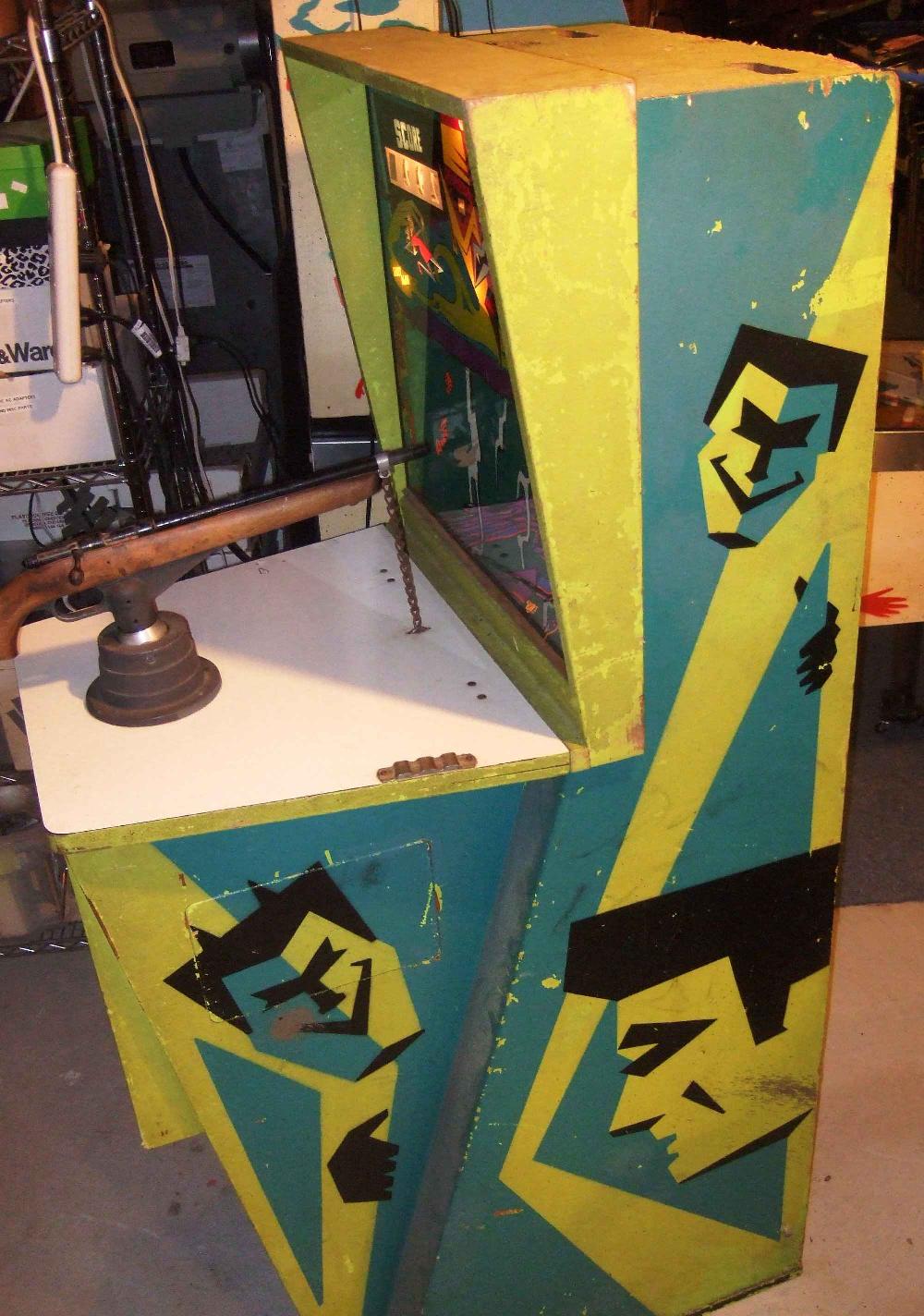
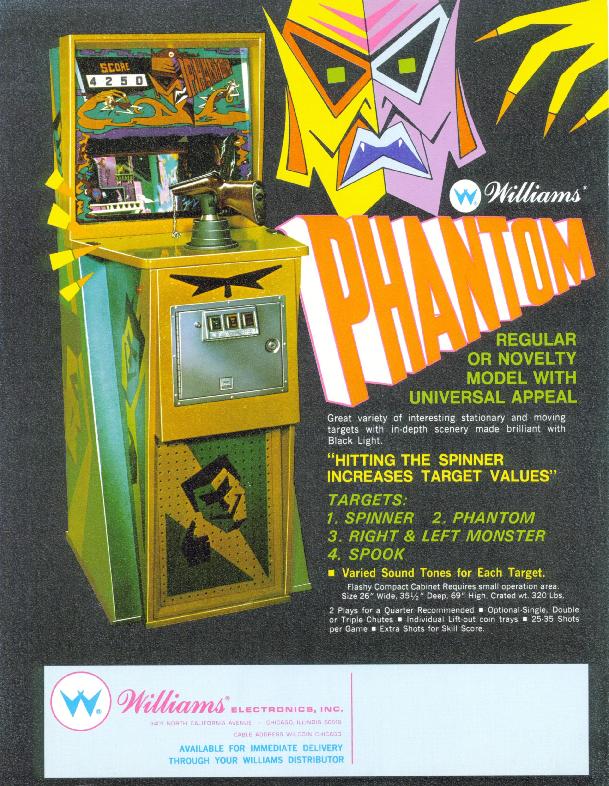
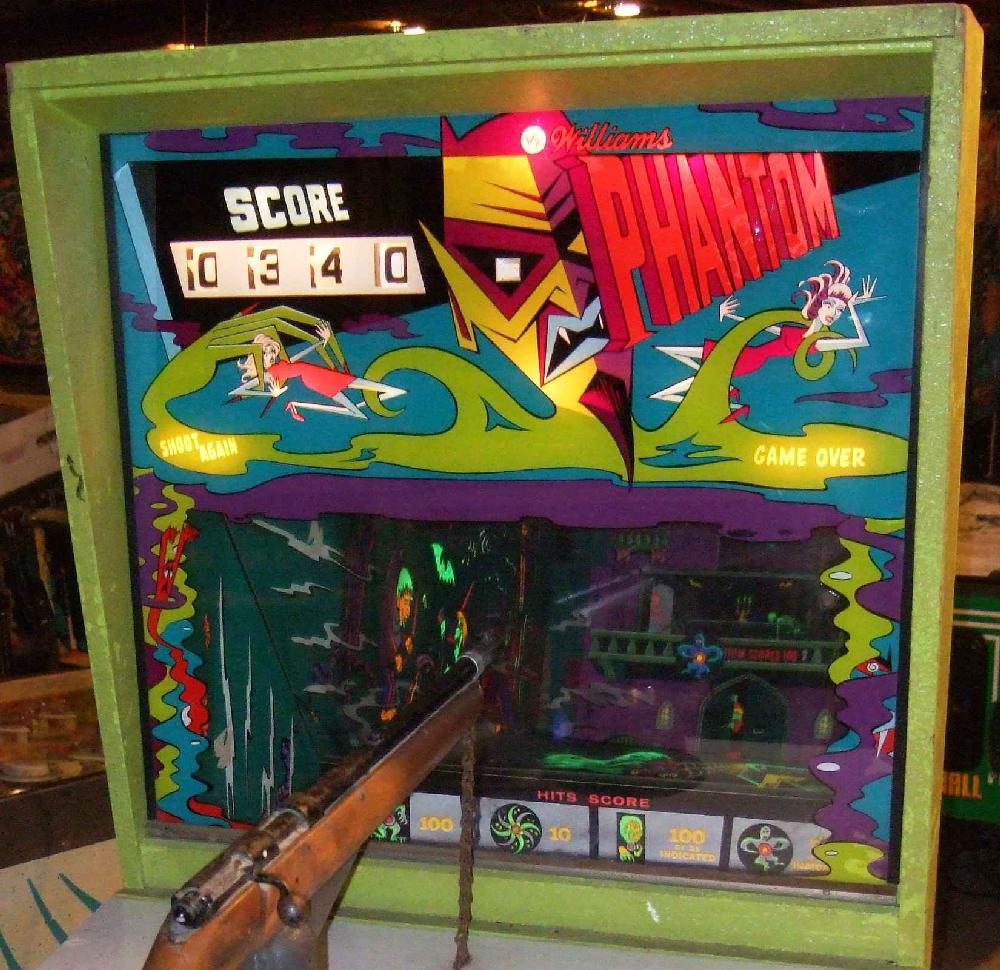
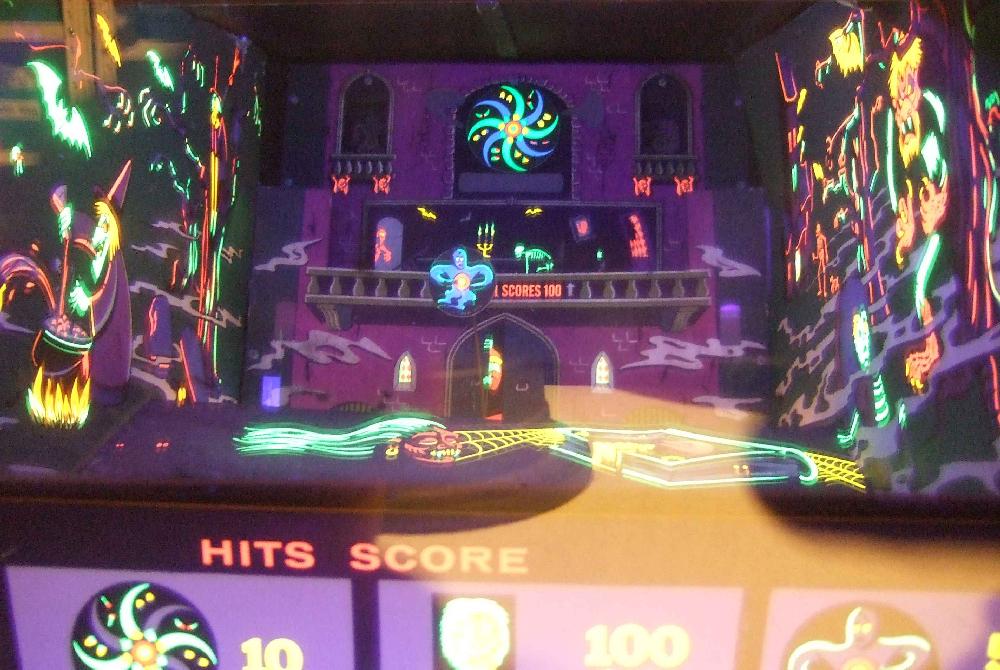
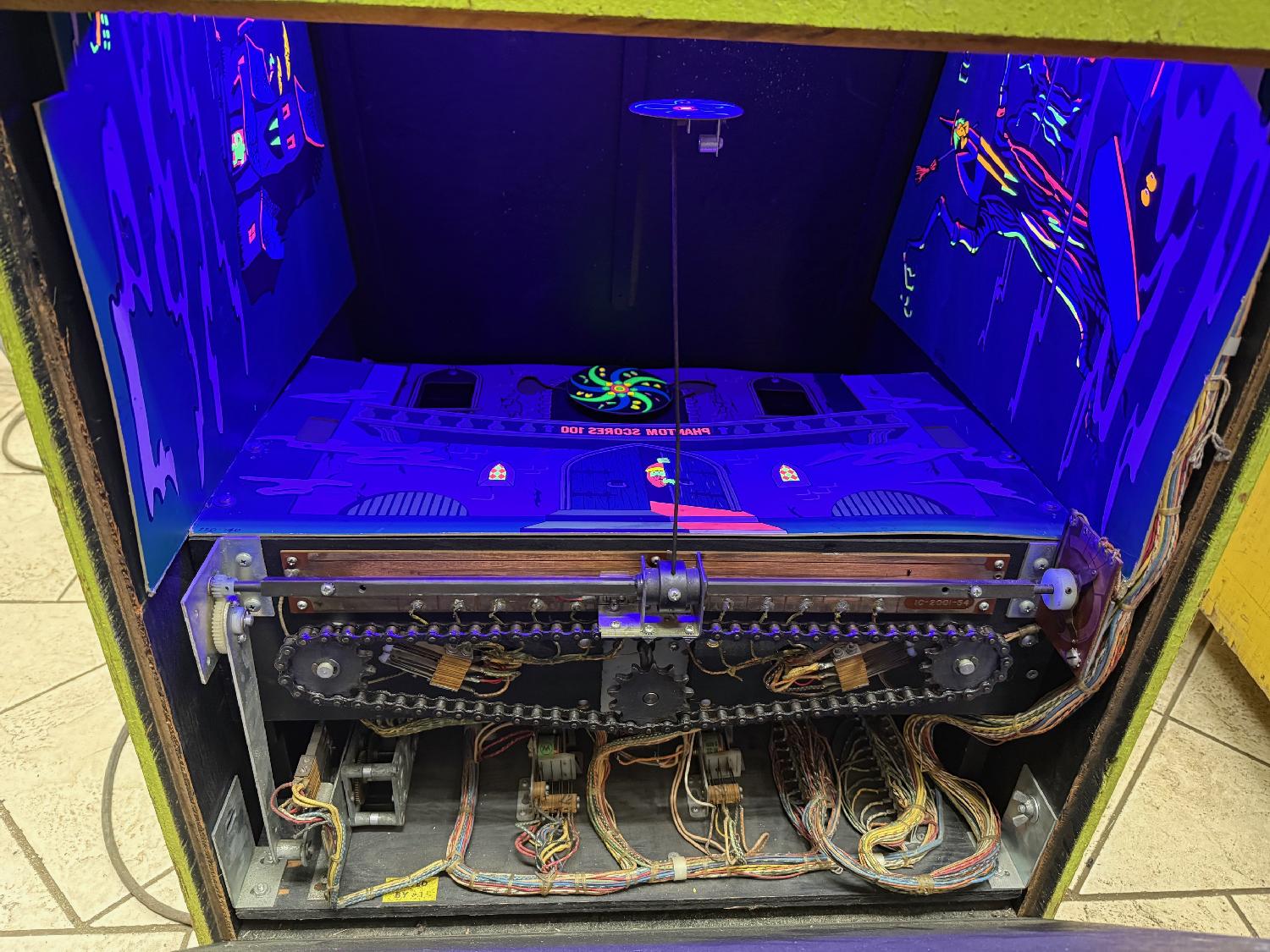
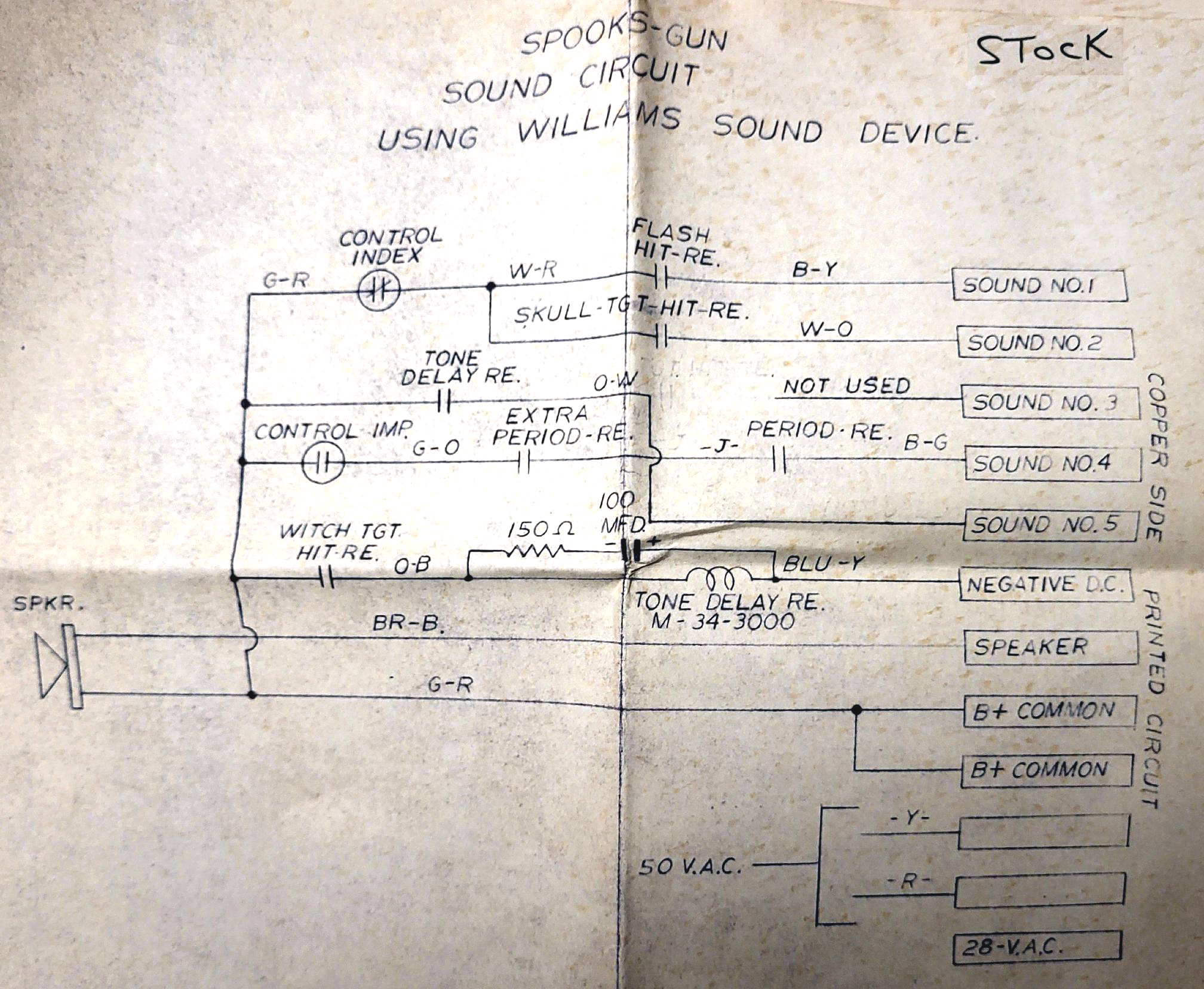
Description: Phantom Gun, Williams, 8/69, game #375, electronic sound. Twenty five shot, but if player advanced 3000 points, another 10 shots (35 total) per game. Similar the prior 1969 Williams Spooks, but in a different (number of shots) format - Phantom does not use the scene page operation of Spooks. Everything is available for hits from the first to last shot. The game has recoil on the rifle. Also the last Williams gun game with replay button on left side of cabinet. Williams was really on the ghost and goblin theme in 1969 for their gun games. It's a good theme. Chicago Coin relied on western themes heavily, and Midway had not released their 1972 Haunted House yet, so it kind of made sense. Shooting ghouls and goblins was good fun. The electronic sound for this game is very basic. The 1969 Williams Spooks and Phantom gun games' use the same sound board. There's a loose schematic of this board (shown below.) The sound board has four tones, but only three are used. The two stationary right and left targets and the moving spook monster share the same tone. The Phanton and Spinning disc have their own tones. That's the three tones used in the Phantom game. The sound board essentially makes a single tone which has three varying pitches (with the spinner being the highest pitch), using different value resistors. And the sound board is essentially always playing the sounds, but the Sound Delay relay keeps the speaker cut off until a sound is desired to be heard. The appropriate "hit" relay closes a switch which turns on the sound through the speaker leads connecting to the Sound Delay relay. The sound board uses two SK3717 amplifier transistors (NTE121) and smaller SK3835 pre-amp transistors (NTE102). The sound board operates on the game's 50vac, which goes through a 300ohm 5watt resistor, knocking the voltage down to about 5vdc (using four 1n4004 diodes and two filter 1000mfd caps.) Note the 300ohm resistor gets brutally hot.
Here's the pinout on the original sound board connector: Here are the four original sounds made by the sound board: Sound1, Sound2, Sound3, Sound4 (not used.) This game is the perfect candidate for an MP3 sound replacement card, using more elaborate sounds, much like we did on the 1969 Williams Spooks. Of course a Midway style background sound is an easy first step. A sound board like the DY-SV17F mp3 sound board works easily. Remember to tie TX/io0 to ground, and use a 00001.mp3 sound file. For power we can use the Blue wire on the Lock relay MB switch (which powers the Period lights) and the Yellow wire (transformer center tap) as our as 6vac feed. A bridge rectifier/2200mfd cap converts the 6vac to 6vdc for the MP3 player power, and the capacitor smoothes the DC wave form across the DC bridge lugs. The MP3 sound board will start playing background sound 00001.mp3 when a game starts. A separate speaker will be needed, do not try and the MP3 sounds boards with the game's original sound board speaker. A second MP3 player could be used for the individual sounds made by the original sound board too. This idea uses a four button MP3 player that runs on 4 to 6 volts like Electronics123 FN-T418 (manual). The power for this four button MP3 player is the same source as the above background sound MP3 board. The four button MP3 player has 4meg of built in storage (no MicroSD card needed for this application.) Then sounds can be added for the three hit relay switches (phantom, spook, spinner) to trigger new and better sounds. You can even segregate the spook and stationary targets if you want a fourth sound. My suggestion for hit sounds would be like these: Spook/stationary targets, Phantom, Spinner, Additional. Frankly though, I'm not sure adding a second sound board (with its own speaker) is worth the trouble on this game. Adding a bell or two for the 10 and 100 point relays may be a better use of time. If you have a Williams Phantom gun game for sale, please contact me at cfh@provide.net
|
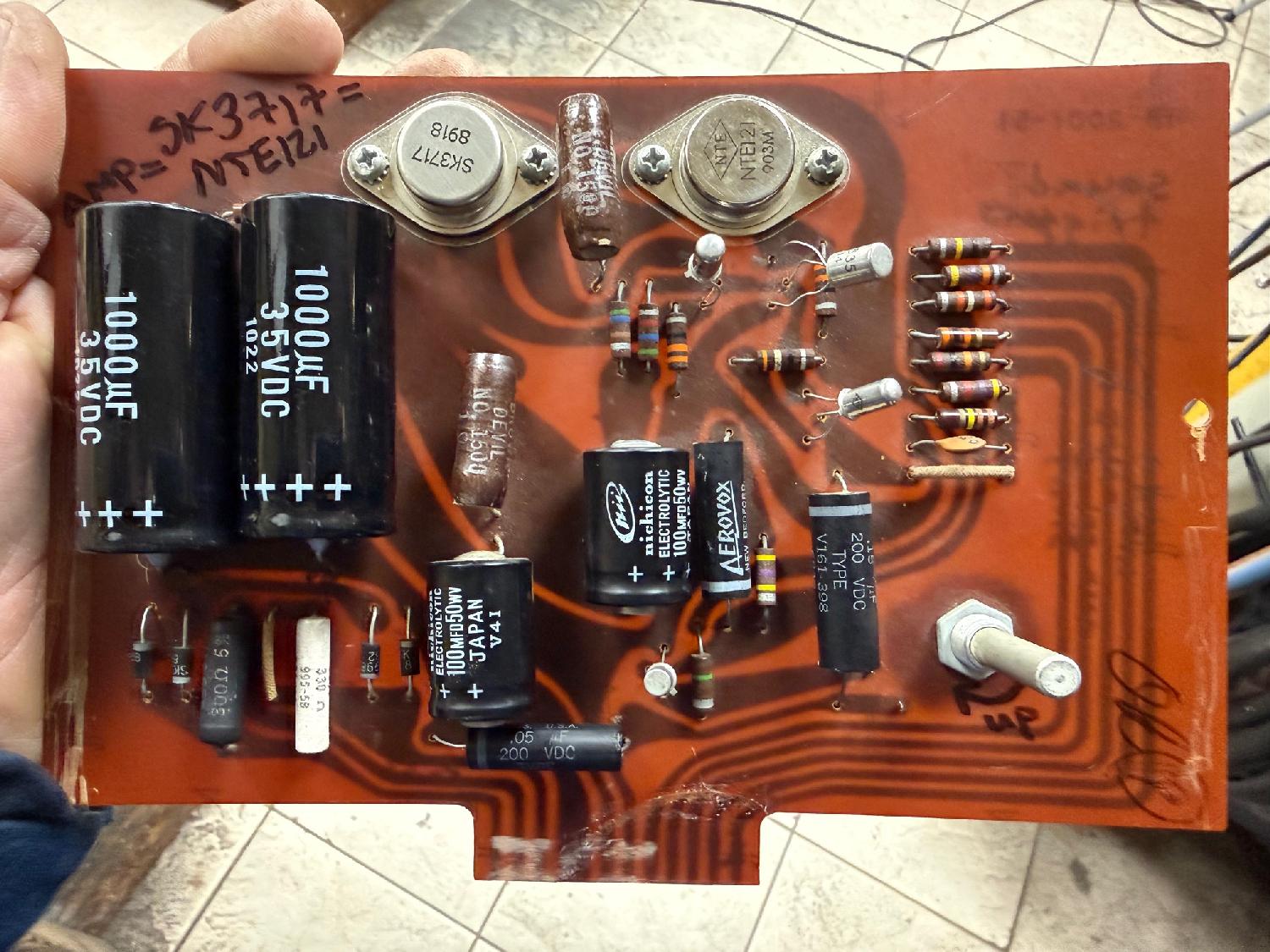
Spooks and Phantom use the same sound board.
|
* Email the collector cfh@provide.net * Go to the EM Arcade History index * Go to the Pinball Repair/History index |